SECUNDA – Residents can now view their electricity bills online.
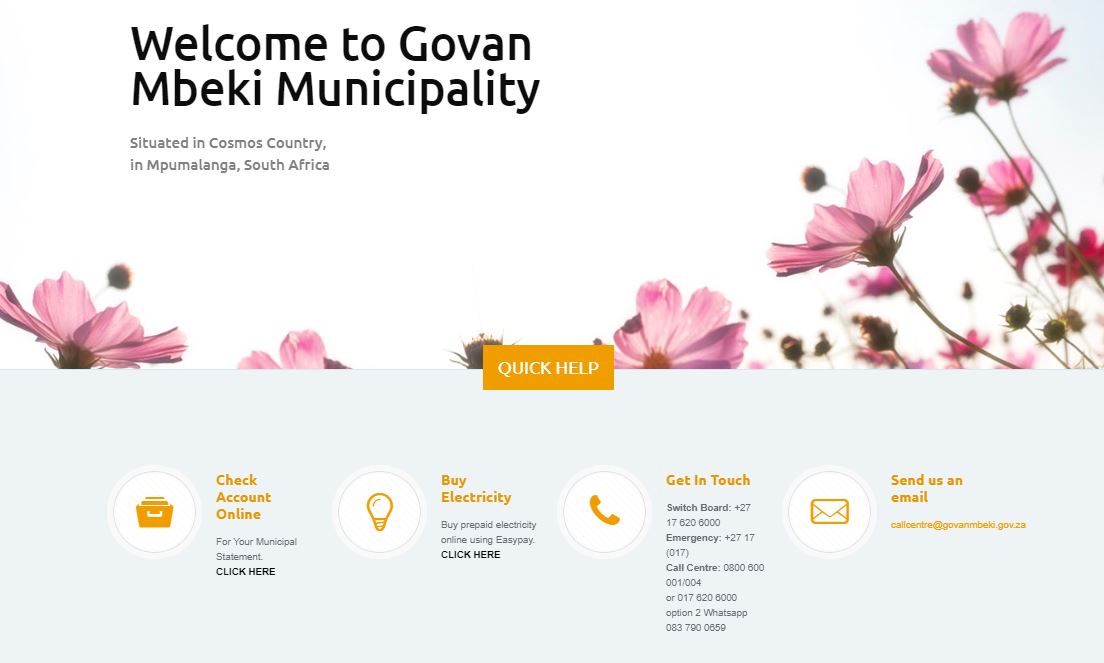
Account holders can visit www.govanmbeki.gov.za and click on the link in the bottom left menu that reads: Check Account Online.
Users must then register by entering a username, first name, surname, date of birth, an e-mail address and a password.
Users are required to submit their details in order to register a profile and an online municipal account can then be created for each electricity account residents have at Govan Mbeki Municipality.
Mr Benzi Soko, Chief of Staff at Govan Mbeki Municipality, said residents can then use the internet pin number provided on the accounts e-mailed to them.
Residents who do not receive their bills via e-mail, can contact the municipality’s call centre at 0800 6000 01/2/4 or 017 620 6000.