
5 ways to save a phone battery’s life
Letting your phone lose all its battery life before charging can cause unwanted strain on the battery itself
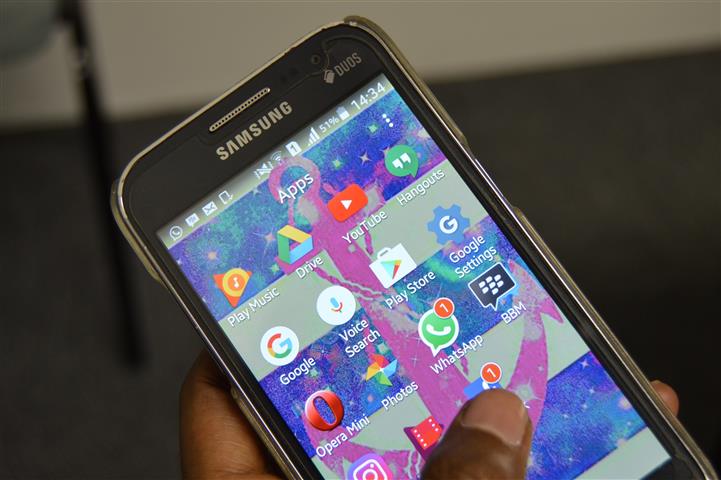
Many of us have the problem of having our phone batteries die so quickly. Most people can’t afford a car charger or a power bank, so here are 5 easy and cost-free tips to save the battery life on your phone.
1- Turn off the Bluetooth and wi-fi connections. This is one of the biggest power drains when your phone’s not in use. Same goes for GPS.
2- Get rid of useless apps. We all have apps we downloaded way back when, used constantly for a couple of weeks and then never opened again. Terminate these apps because, if they’re running in the background, they’re a totally pointless waste of time and power to your phone.
3- Play fewer games. Games seriously drain your battery’s power. The fewer games you play, the better!
4- Dim the screen. Like laptops, cell-phones can save power by having a duller screen. You probably won’t be able to lower the brightness by more than half, but when your eyes can adjust to that, you’ll save loads of power.
5- Don’t let it die. Letting your phone lose all its battery life before charging can cause unwanted strain on the battery itself. Never wait for your battery to fully discharge of its power, and it will do its job for longer.
DID YOU KNOW?
Click on the words highlighted in red to read more on this and related topics.
If you are reading this on your cellphone and there are telephone numbers provided in the text, you can call these simply by clicking on them.
To receive news links via WhatsApp.
For the latest news, visit our webpage or follow us on Facebook and Twitter. Join us there!