My Municipal Meters app now available for Mogale!
Municipality explains the My Municipal Meters app and how to use it.
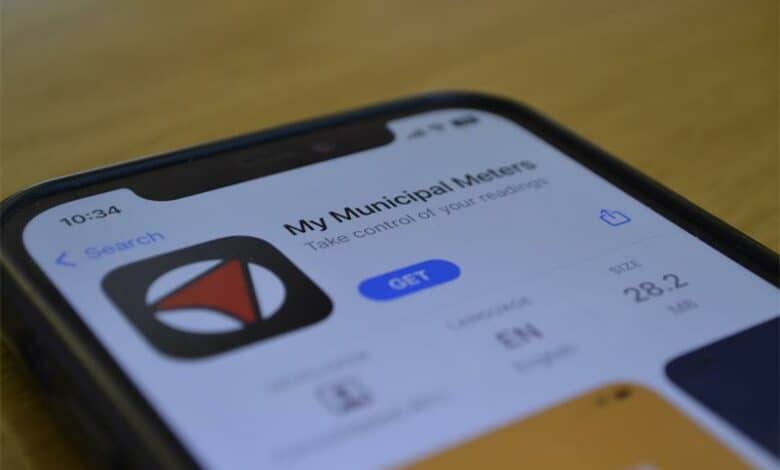
Residents can now submit their municipal water and electricity meter readings directly to the municipality’s meter reading system via the My Municipal Meters app.
MCLM communications officer Refilwe Mahlangu said residents can download the app from the Google Play Store, Apple Store or the Huawei App Gallery.
“Once you download the app, register with your cellphone number or email address. Next, you must select your service provider as ‘Mogale City’. Enter your Municipal Account number(s) – you may register more than one account and select the meter number, take a photo of the meter, enter the reading and submit [do not enter decimal digits or the red numbers],” Mahlangu explained.
She added the use of the app is optional, as the municipality employs full-time meter readers responsible for daily meter readings.
“However, customer-submitted readings will be used if the meter readers are unable to obtain a reading in a given month, for example, in instances when the meter is inside a locked property. Residents must ensure meter readers have access to meters behind locked gates or doors at least once every three months. All official meter readers carry identification cards for verification,” she concluded.