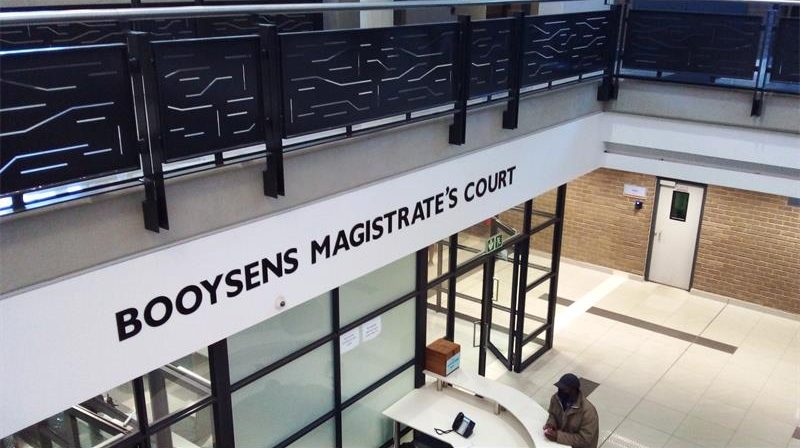


There are more and more cases being opened at Booysens Police Station where community members have given their phones to people to assist them in making the device faster and more efficient.
Problem is, when they get home they find that all the money in their bank account has been withdrawn. Booysens police communications officer Capt Lorraine van Emmerik said you must not give your phone to strangers.
“Don’t give it to anyone on the street who is standing under a tent promising you gifts. If there is a problem with your phone, take it to a shop or a proper provider. Please also make sure you have your phone in your possession at all time and that you can see it.
“There is also another concern that community members are buying vehicles and other goods they see on the internet from private people selling. Before they even see the items, they are paying for it. This money is then stolen.
“Please make sure that if you are doing this, you are in possession of the said items before you pay. Meet the person who is selling the items at a populated place and make arrangements. Do not do this unless you have confirmed the item is genuine and not just fake advertising,” she said.
Herewith a few other tips that can be useful:
• Be social media savvy – make sure your social networking profiles, for example, Facebook, Twitter, YouTube and MSN, are set to private. Check your security settings. Be careful what information you post online. Once it is on the internet, it is there forever.
• Secure your mobile devices – be aware that your mobile device is vulnerable to viruses and hackers. Download applications from trusted sources.
• Instal the latest operating system updates – keep your applications and operating system, for example, Windows, Mac, and Linux, up to date with the latest system updates. Turn on automatic updates to prevent potential attacks on older software.
• Protect your data – use encryption for your most sensitive files, such as tax returns or financial records, back up all your important data regularly and store it in another location.
• Secure your wireless network – Wi-Fi (wireless) networks at home are vulnerable to intrusion if they are not secured properly. Review and modify default settings. Public Wi-Fi, also known as ‘hot spots’, is also vulnerable. Avoid performing financial or corporate transactions on these networks.
• Protect your e-identity – be cautious when giving out personal information, such as your name, address, phone number or financial information on the internet. Make sure websites are secure, for example, when making online purchases, or that you have enabled privacy settings, for example, when accessing/using social networking sites.
• Avoid being scammed – always think before you click on a link or file of unknown origin. Do not feel pressured by emails. Check the source of the message. When in doubt, verify the source. Never reply to emails that ask you to verify your information or confirm your user ID or password.
• Call the right person for help – do not panic. If you are a victim, if you encounter illegal internet content, for example, child exploitation, or if you suspect a computer crime, identity theft or a commercial scam, report this at your local police station. If you need help with maintenance or software installation on your computer, contact your service provider or a certified computer technician.