
Register on the municipality’s new e-statement customer in six easy steps
It is easy-peasy to register on the new financial portal.
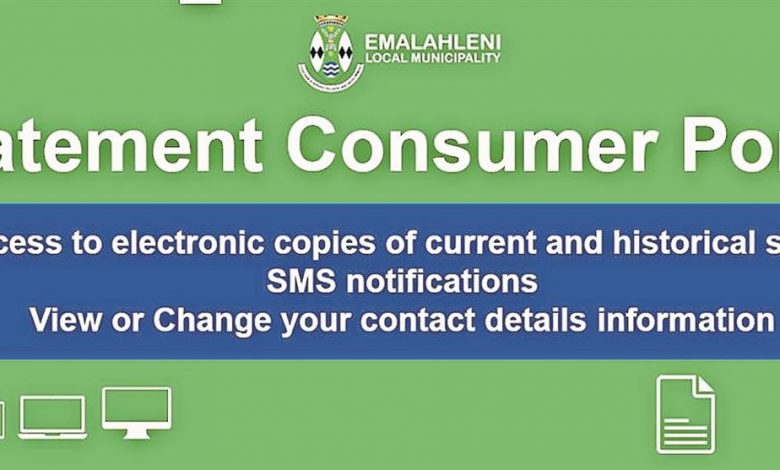
Emalahleni Local Municipality has recently changed financial systems from Phoenix to Munsoft.
Part of the change entails a new e-statement customer portal that integrates with the financial system.
“As such we are pleased to announce that the portal has been fully set up and operational,” said municipal spokesperson Mr Lebo Mofokeng.
The municipality hereby invites all consumers to please register for this service on the new portal in order to be able to access municipal account statements.
Mofokeng said the new portal has improved functionality and security.
The system provides a secure online e-services web portal where consumers can:
- *Have access to electronic copies of current and historical statements and SMS notifications
- *View or change their contact details information
HOW TO REGISTER
Consumer Portal:
- Open your web browser, insert https://mymunicipality-emalahleni.emunsoft.co.za/into your URL and click enter
- Click register > insert details > click register at the bottom of the online registration form
- The system will send you an activation e-mail to the e-mail entered in your online form, open the e-mail and click here to activate your account
- Open your web browser, insert https://mymunicipality-emalahleni.emunsoft.co.za/into your URL and click enter
- Click login > Click consumer tab > insert username > insert password > Click login
- Insert your account number > Insert your PIN (Top left-hand corner of your statement) > Click the link and enjoy.
Should you wish to receive your statement via e-mail please let the enquiries personnel know via mail by sending the request to Tshelanebs@emalahleni.gov.za or Machetem@emalahleni.gov.za
READ MORE:
Share your news tips via:
Telephone: 013 656 2490
WhatsApp: 060 866 8682
Email: wtbnews@mweb.co.za
Or follow us on WITBANK NEWS platforms: