
How to protect your accounts from cyber-crime
It’s a troubling thought that internet fraud and phishing attacks are only two of the many types of cyber-crime at the fingertips of these sophisticated criminals.
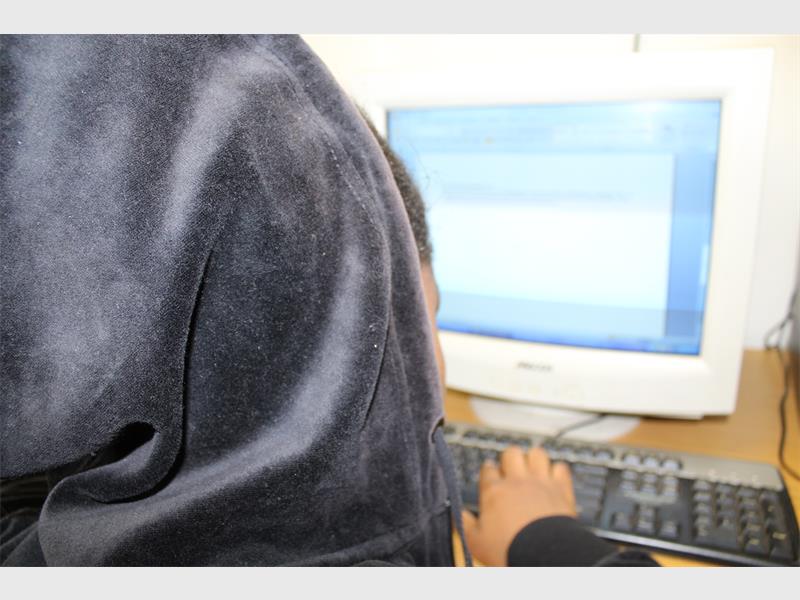
Cyber-attacks have become one of the greatest threats businesses and individuals face today.
According to the South African Banking Risk Information Centre (SABRIC), South Africans lose in excess of R2,2 billion to internet fraud and phishing attacks annually.
It’s a troubling thought that internet fraud and phishing attacks are only two of the many types of cyber-crime at the fingertips of these sophisticated criminals, said Rhoderic Roberts, Partner at Lloyd Viljoen Chartered Accountants.
“Over the last two months, we have seen two massive global cyber-attacks that crippled hospitals, bankrupted companies and brought individuals to their knees. Businesses and individuals fall victim to identity theft, phishing, warfare, spam and hacking on a daily basis,” he said.
He further explained that hackers recently infiltrated South Africa’s Department of Basic Education’s (DBE) website and posted radical messages and upsetting photographs on the site.
“We have been warned that South Africa could be the target of an enormous cyber-attack in 2017.
Given this warning, here are a few tips to help keep financial information secure, according to Rhoderic:
• Do the ‘two-step’
Focus on increasing all your security measures. Don’t make it easy for hackers. Set up two-step verification or authentication for your online accounts. This will notify you as soon as someone tries to access your account from an unknown device.
• Change your password
Never base your usernames or passwords on personal information, such as family names, friends, pets, birthday information, or phone and ID numbers. A good password has at least 12 characters, includes numbers, symbols, capital letters and lower-case letters. It is recommended that you change the passwords of important accounts every 10 weeks.
• Stay up-to-date
Make sure that your accountant, or financial manager, has your details so that you can easily be reached when something happens. Ensure that your operating system, firewall, anti-virus software and web browser are up to date by installing the latest security updates.
• Auto save
Don’t let your browser, such as Chrome or Firefox, save your passwords.
• Be wary of WiFi
Never use public hot spots to log into important financial accounts from public computers or unsecured wireless networks. It is easy to hack WiFi. Hackers can even see what you type.
• Safety first
Never leave your phone or computer unattended without locking it. Don’t share any financial information over email. Don’t ever log into your bank account via an e-mail link. Shred your financial documents – do not throw them away. Do not click on links or open emails if you do not know the sender. Only open emails and messages if you know that it is safe to do so.
• Keep a close eye
Review your statements regularly and contact your financial manager immediately if you suspect anything out of the ordinary. Many thieves will make a small transaction first to check if the information works. Ensure that you receive notifications on all your accounts.
“Criminals will try and find the easiest way into your website, systems, emails, account and data. Be alert and report suspicious activity immediately. The idiom ‘rather safe than sorry’ rings true, especially in this instance,” Rhoderic warned.
Do you perhaps have more information pertaining to this story? Email us at krugersdorpnews@caxton.co.za or phone us on 011 955 1130.
For free daily local news on the West Rand, also visit our sister websites:
Remember to visit our Facebook, Twitter and Instagram pages to let your voice be heard!