

Here’s what you need to know to install fibre in your home
A number of ISPs offer packages at different price ranges and it is worth doing some research rather than making a kneejerk decision.
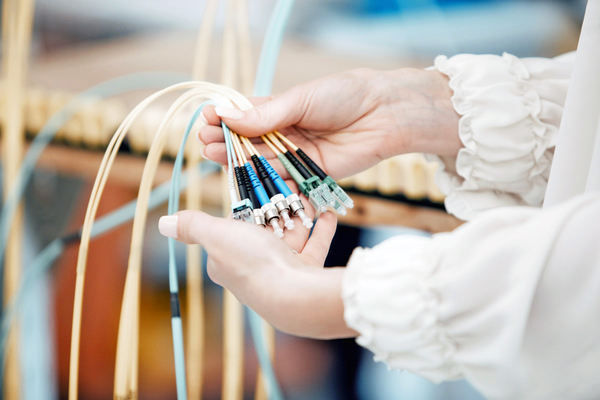
If you have surveyed the landscape of network connectivity solutions and landed on fibre, what should be your next step?
Firstly, you will need to find out whether your area has the fibre infrastructure installed.
If there were people digging up your pavements in the last few weeks or months, chances are your suburb has been approved for fibre installation.

A simple Google search will point you in the right direction – a search for ‘fibre coverage’ in your suburb will bring up a number of providers who are operating in your area.
Once you have established that fibre reaches your suburb, you will need to choose an Internet Service Provider (ISP).
Your cable provider and ISP may be the same company, but it does not necessarily have to be.
This is the company that will install a Wi-Fi router in your home, allowing you to connect your devices to the internet.
They will also be charging you for ongoing connectivity.
Another Google search will give you a list of options on this front, but this can again be confusing.
The packages offered are generally determined by speed, ranging anywhere from 5 Megabytes per second (Mbps) through to 200 Mbps with the price scaling accordingly.
Mbps is a measure of the speed at which data is transferred and most homes do not need excessive bandwidth.
A speed of 10 Mbps is considered fast and would be the minimum if you plan to stream and game over the network, or have multiple devices connecting.
It is also safer to go for an uncapped connection if you plan to stream, so that you do not suddenly lose connectivity when your cap has been reached mid-month.
There is still a chance that your connection will be throttled however, meaning ISPs limit the line speeds once a prescribed threshold has been reached.
A number of ISPs offer packages at different price ranges and it is worth doing some research rather than making a kneejerk decision.
Once you have chosen the ISP and you have a router installed, you are all set to go!
(Source: Metrofibre)

Stay in the loop with The North Coast Courier on Facebook, X, Instagram & YouTube for the latest news.
Mobile users can join our WhatsApp Broadcast Service here, or if you’re on desktop, scan the QR code below.