
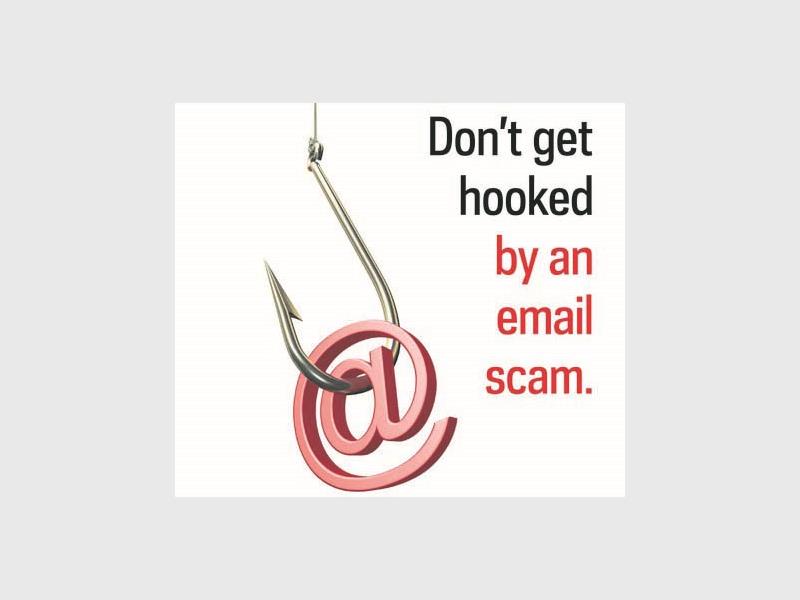
NEWCASTLE – Phishing is an email-based scam taking the world by storm.
According to Newcastle SAPS, false emails often look legitimate, with web pages to back it up. You are requested to enter your information. However, the URL in the address field can alert you whether the page you have been directed to is valid or not.
Also see: Is there a scam artist targeting Newcastle?
Emails might refer to your personal information that needs to be updated or validated, where you are requested to enter your username and password, after clicking on a link provided in the email.
Other emails might even ask you to enter more information, such as your full name, address, phone number and credit card numbers. By simply visiting the website and entering your username and password, the phisher is able to gain access to more information by logging into your account.
Prevent becoming a victim by following these easy steps:
– Do not trust poorly written emails, with spelling errors or incorrect grammar. Legitimate corporate companies have quality control measures in place that prevent such mistakes.
– Do not click on any links in such emails. Rather navigate directly to the website in question.
– If you are uncertain about the authenticity of an email, ask your service provider directly whether it is valid or not.
– If possible, visit the company personally or call the customer care centre listed on the official website directly.
– Only provide personal or financial information through an organisation’s website when you have typed in the web address yourself, and have seen indicators that the site is secure, such as an URL that begins with “https” (the “s” stands for secure). Unfortunately, an indicator is not a total guarantee that a site is secure. Some phishers use forged security icons.
– Review your credit card and bank account statements as soon as you receive them to check for unauthorised charges. If your statement is late by more than a couple of days, call the bank to confirm your billing address and account balances.
– Be cautious about opening attachments and downloading files from emails, regardless of who sent them. These files might contain viruses or other malware that can weaken your computer’s security.