

Ten in-app help features
We aim to provide you with a reliable and convenient service, hence your feedback is critical for our quality control systems.
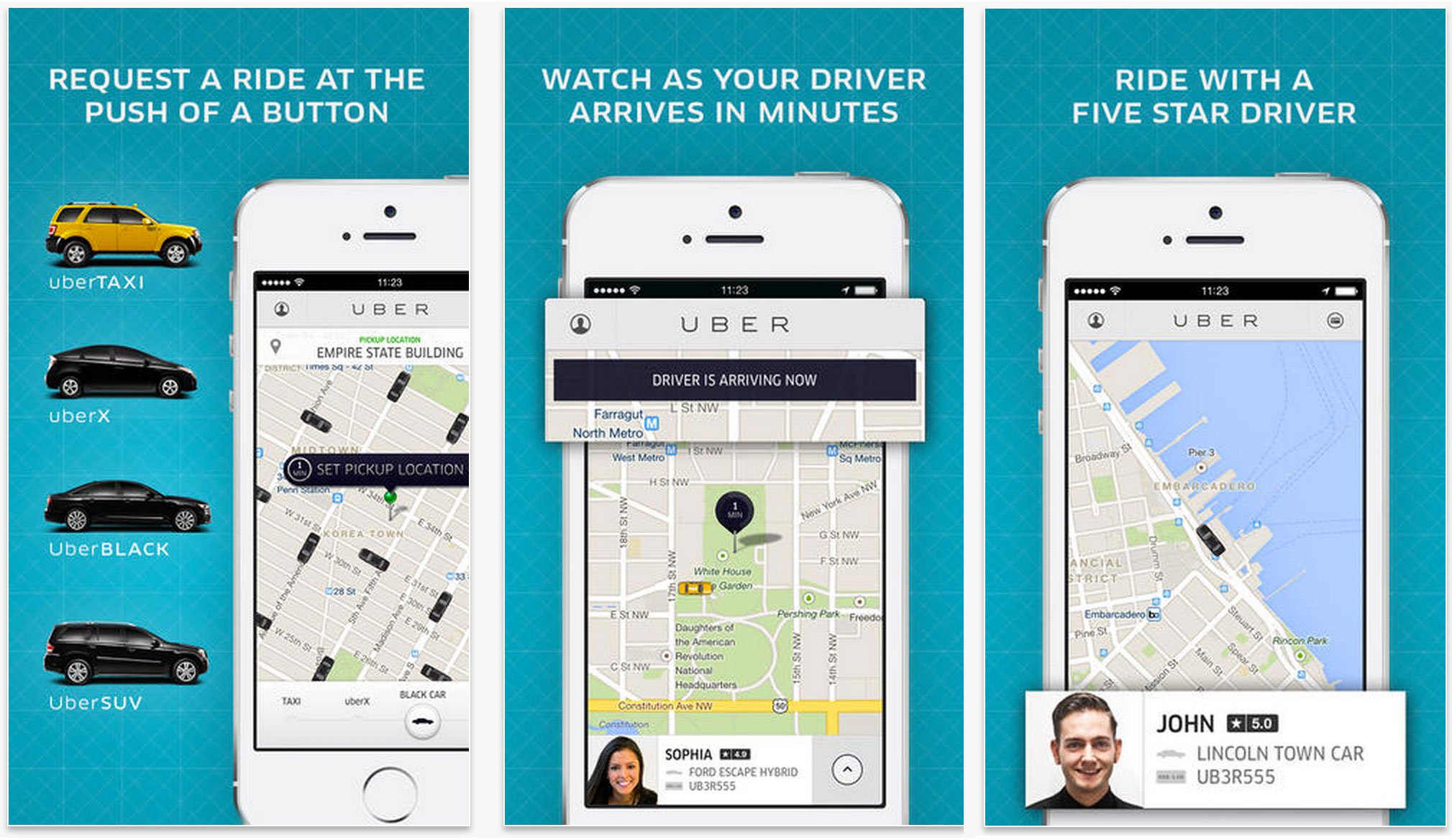
It’s happened to you before, or you know a friend of a friend who has experienced the same thing. You know? Those times when you’ve been charged an incorrect fare? The time you encountered a rude driver, or perhaps even forgot an item in an Uber taxi? What do you do? How do you get support for the times you’ve had a knotty challenge? Our in-app help feature comes to the rescue! It is a technical support system that helps you get a prompt response to your queries at the swipe of a finger. So, just in case you’re wondering how it works, we will unpack it all for you.
Below are some examples of problems you can get resolved. The in-app section can be accessed within your Uber app by tapping the menu icon – the three bars in the top left hand corner of your app. You can then proceed to navigate and tap on the help icon, scroll down and report the issue at hand.
Technical issues when requesting a trip
Let’s face it with technology there will sometimes be technical glitches even though our app runs on the best software. If the app shows that the vehicle you requested is outside but it is not, kindly provide feedback in the app as this is a technical issue that should not be happening.
Driver started a trip without you in it
On a scale of 1-10, this would be a 20 on the pet-peevometer. What do you do when a driver starts a trip without you? Go to the “Your Trips” tab in the in-app help section, click on the particular trip, scroll down and file a report. The good news is that you will get a response from Uber Support pretty quickly, and it will help improve standards and service delivery. How cool is that? Time is a precious thing, especially when you’re on the road. Be a five-star rider by always being courteous. Also be considerate by not keeping your driver waiting when he or she arrives to pick you up.
Vehicle was different from the one in my App
So you hailed a blue Toyota Corolla, and it’s right there specified in the app. But then, a black Kia Rio pulls up in front of you. What should you do? Look at the details again and confirm that it truly is a different car. Politely ask the driver-partner to cancel by stating that it’s a different car. We take this type of error seriously as it is against our policy and regulations. Once that’s done, you need to immediately file a report and contact the support team. Please do not get into a different car from what’s stated on your app as it poses a security risk.
Trip receipt and authorisation hold
Upon completion of a trip we will automatically send you a trip receipt to the email address you used to register your account. Should you need another receipt resent to you for whatever reason, the good news is that it too can be requested again through the in-app help feature. You may sometimes note that at the start of a trip, we may place a temporary ‘authorisation hold’ for the upfront fare of the trip on your payment method. This will show up as a ‘pending’ charge on your account. When the trip is complete, this hold is converted to a charge for the final trip fare. If the trip has been cancelled or the total fare is different than the upfront price, the original authorisation hold should disappear from your account, but this might take up to a few days depending on your bank policy .
Bad driver experience
Although driver-partners are trained to always be friendly, polite and courteous, some drivers can be a little too friendly which makes riders uncomfortable. When drivers ask questions like ‘When will I see you again?’ or ‘Can I have your number?’ that’s not okay. On the other end of the spectrum, drivers who are rude, aggressive or confrontational can make you feel unsafe and unhappy. We do not tolerate this type of behaviour in any way, and you are encouraged to make us aware of such unprofessional behaviour immediately.
Yikes! Forgot an item in an Uber
Again, this happens to the best of us. Took off your heels to wear a pair of slippers and then promptly forgot the shoes, or forgot your newest pair of aviators, or worse, forgot your set of dirty laundry? Talk about awkward! If any of these scenarios happen to, you can let us know in the in-app help section. If you also happen to forget your cell phone, log on to help.uber.com/riders to make a report. Once the driver-partner has confirmed that the item is in his or her possession, you and the driver can meet at a mutual location to make the exchange.
I want to change my driver’s ratings
You were so thrilled with the excellent service offered by your driver-partner that you were going to rate him five stars. But you mistakenly clicked two stars, and now you’re wondering how to fix this. Never fear. In-app help will save the day. Go to “Your Trips” tab in the in-app help section, click on the particular trip, click on “I had a different issue,” and click on “How do I change the rating for a driver.” Follow the instructions and voila! The driver-partner gets his excellent rating – happy you, happy driver-partner!
Uber made me pay a cleaning fee
Yes, we do charge for those embarrassing moments when you have an accident in the vehicle after a fun night out. This fee is used to clean the vehicle to ensure that the next rider finds the vehicle in good condition. Should you still feel that the fee should not have been charged, kindly provide input in the in-app section.
How to apply a promotional code
From time to time we offer special promotional discounts. These are great for when you need a ride but are a little low on cash. To make use of these codes, you need to know how to input these promotional codes. Below are quick and easy steps to make use of the promo codes.
1. Select “Payment” from your app menu.
2. Scroll down to “Promotions”.
3. Tap “Add Promo Code/Gift Code”.
4. Enter the code and tap “ADD”.
Tip for amazing service
Great service is wonderful and some riders feel that it should be rewarded. We do not require you to give a tip; however, if you wish to do so it is up to you. Driver-partners should never insist or bully a rider into giving a tip. As a rider, you are encouraged to report such instances via the in-app help feature.
We aim to provide you with a reliable and convenient service, hence your feedback is critical for our quality control systems. Our Global Support Team reviews trip ratings as well as feedback provided by you the rider. This is an important element to help us put measures in place to deliver a service of the highest quality – that you have become accustomed to.
For free daily local news in the south, visit our sister newspapers Alberton Record, Comaro Chronicle, Southern Courier and Get it Joburg South Magazine.
Remember to visit our Facebook, Twitter and Instagram pages. You can also email our offices on cvdwalt@caxton.co.za, juliem@caxton.co.za or luckyt@caxton.co.za
Add us on WhatsApp today! Comaro Chronicle: 079 427 8074 and Southern Courier: 079 404 5789.