
Your iPhone knows where you’ve been
Could you imagine what would happen if your jealous ex got hold of that information, or even your parents?
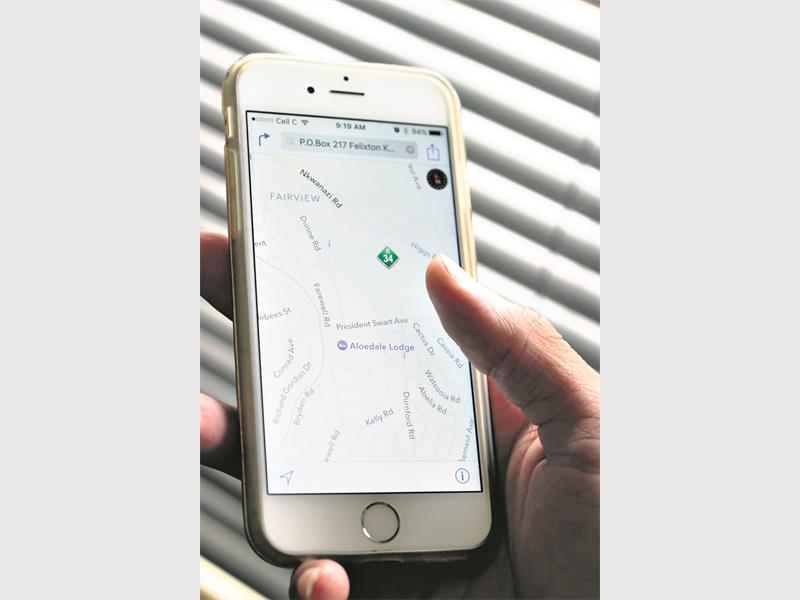
DID you know that your iPhone has secretly been keeping track of where you go, which places you visit, how long you stay there and how often you go back?
There’s a map hidden in your settings menu that keeps tabs on your locations, even the routes you travel on.
With a map – and addresses.
Could you imagine what would happen if your jealous ex got hold of that information, or even your parents?
Don’t stress, it’s easy to switch off:
– Open your main Settings menu
– Select Privacy
– Select Location Services
– Scroll down to the bottom of the menu and select System Services
– Then select Frequent Locations
Once this feature is disabled, you would perhaps like to delete the history your phone has built up.
Hit the Clear History option, toggle Frequent Locations off, and Bob’s your uncle.
You will be able to move around freely once more, without being tracked, as you rescue the world from certain destruction.