
Beware of hackers while accessing free Wi-Fi
Consumers accessing free public Wi-Fi networks can potentially fall victim to cybercrime as fraudsters can get access to their passwords, personal and banking information.
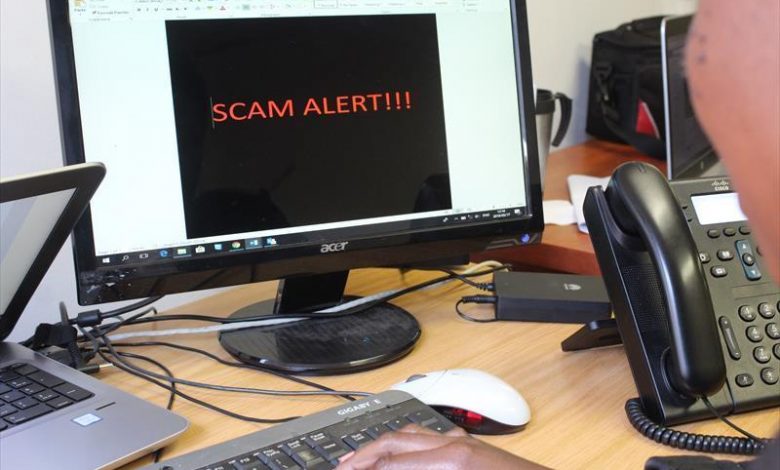
First National Bank (FNB) has warned members of the public to be careful when accessing free Wi-Fi from remote locations such as coffee shops and Wi-Fi hotspots.
People using the internet to access their bank profiles or manage finances on laptops or mobile devices should especially be cautious, said FNB digital banking head Giuseppe Virgillito.
“Consumers accessing free public Wi-Fi networks can potentially fall victim to cybercrime as fraudsters can get access to their passwords, personal and banking information.
“Connecting to any open or public Wi-Fi can expose you to security and privacy risks, including so-called person-in-the- middle attacks [in which an attacker intercepts communications between two parties].”
Virgillito said while not all free public Wi-Fi networks were unsafe, one could never be absolutely certain that they weren’t compromised.
He said criminals had the ability to hack into free public Wi-Fi networks and use sophisticated hacking techniques like installing keylogging spyware to view and steal the information you enter online.
He shared key safety tips that consumers should consider when accessing the internet through free public Wi-Fi networks:
- Never log into your internet banking profile on a free public Wi-Fi network. It is safer to use your mobile network data.
- Avoid sharing private information and documents with service providers, friends or colleagues on free public Wi-Fi networks.
- Beware of connecting to spoofed or fake Wi-Fi hotspots that may be set up by criminals for the sole purpose of stealing your information. Make sure you have the correct name of the free public Wi-Fi network that you are accessing.
- Update your network settings to ensure that your mobile device does not automatically connect to Wi-Fi networks, as malicious apps may be downloaded without your knowledge.
- Always ensure that you disconnect from any Wi-Fi network once done or simply turn off your Wi-Fi.
- Avoid shopping online or entering credit card details through free public Wi-Fi networks.
- Be careful when logging into social networks on free public Wi-Fi networks that you aren’t familiar with as fraudsters can get access to your personal information and use it for illegal purposes.
- Download free antivirus and anti-malware for your smartphone, tablet or laptop and update the software regularly.
- Login onto FNB online banking and click the link at the bottom of the screen to download and activate your free antivirus and anti-malware.
- If you think your Smartphone, tablet or laptop might be compromised while using a free public Wi-Fi network, exit the network and scan your device using your antivirus app or software.
- Browse and only download from trusted websites. Make sure that you are not on a spoof site by clicking on the security icon on your browser toolbar to see that the URL begins with https rather than http.
Read original story on rekordeast.co.za