
Connect to the Watch with Zello
VRYHEID Neighbourhood Watch recently appealed to the public to become more involved in working together to curb crime.
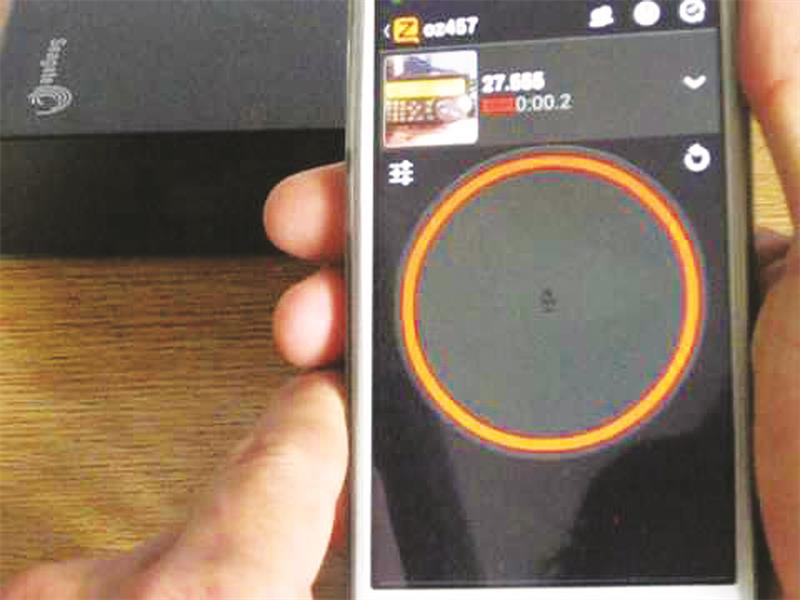
VRYHEID Neighbourhood Watch recently appealed to the public to become more involved in working together to curb crime.
The Zello ‘walkie-talkie’ application, which provides users with a form of radio communication, can be installed on Android phones, iPhones and Blackberry from the 8000 series, and can then be linked to the Vryheid Neighbourhood Watch channel by utilising the following steps:
Depending on the type of phone, go to either the app store or play store and search for Zello and find the result Zello PTT Walkie Talkie. Tap to install the app and open. Select the option “I don’t have an account” and then enter a username, password and email address.
After it connects, find ‘channels’ and select it. Depending on the phone, find ‘add channel’ or on android find the small heads with the + icon. Tap it and search for ‘buurtwagnood vhd’ Tap on it and tap ‘add to contacts’ on the top of the screen.
Close Zello and reopen it.
If you have any interesting stories please send them to: estella@caxton.co.za or Contact us on: 034 981 39 30.
Also Find us on : Facebook, Twitter, and on WhatsApp 060 986 0731.