
Ten ways to keep a cybercriminal away from your data
Technology is an essential part of our everyday life but not everyone knows how to safeguard their devices from criminals. Here are ten tips on how to keep your data safe from cybercriminals.
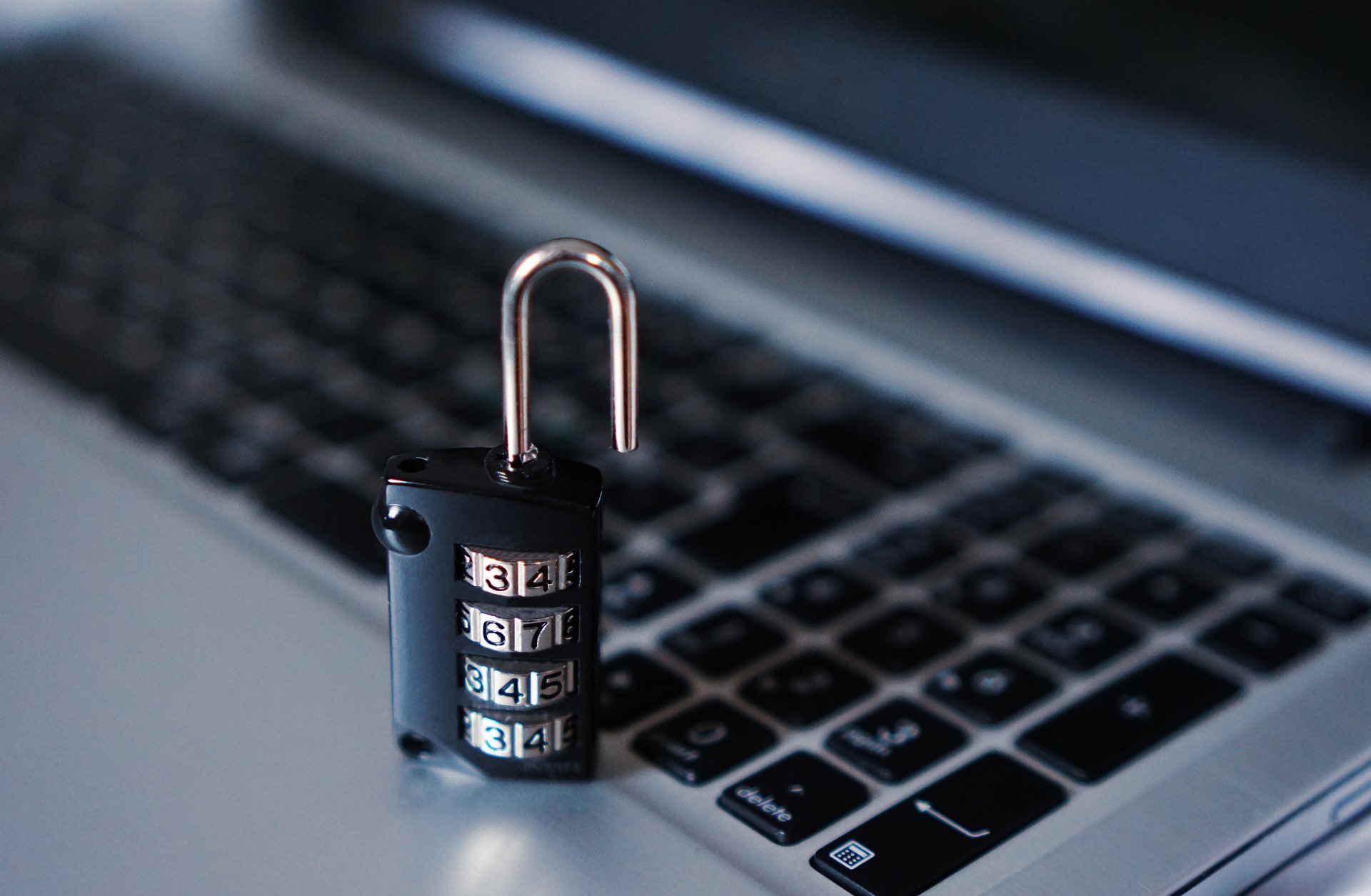
- Update your security system, apps and operating system
Do you constantly ignore those nagging software updates? Don’t! These updates often include solutions to security defects that the company has found and keeps criminals from exploiting the system’s known vulnerabilities.
- Install security solutions on your devices
Just like your laptop or desktop computer has anti-virus software, mobile devices such as cellphones and tablets can also get security software. Security apps can help prevent information leaks, as well as viruses and malware from infiltrating and infecting your device. There are a few great, legal apps that are free to download.
- Make a backup of your data
Make sure you keep a copy of your most important info and update it regularly. You can put it on a memory stick or external hard drive that is kept in a safe place. This reduces the chances of all your data becoming infected and being lost and helps you easily restore lost data, once the problem has been isolated.
- Report phishing emails and websites
Cybercriminals often create fake websites and trick people into giving out confidential information. This is called phishing and many financial institutions warn against these websites.
If you do come across a website that seems fake, you need to report it to your antivirus provider or the institution that is being copied, so they can try to get rid of it.
- Regularly change your passwords
Never use a password that can be easily guessed or worked out, like a loved-one or pet’s name or a sequence of letters and numbers. Strong passwords contain symbols, Upper and lower case letters and numbers. Never use the same password for different accounts as a leak could compromise them all.
- Activate two-factor authentication
Most social media, email and even some financial institutions’ apps use double authentication. This means that you need to follow an extra step to access your account or, in some cases, are notified if unidentified networks or devices attempt to access your account. You will need to verify if it is a legitimate access attempt before it is allowed.
- Check the privacy of your social network
Be secretive on social media. Never post personal details or allow people across the world to view all of your photos and posts. Check out your privacy settings and set who can see what and how your account can be accessed.
- Check the status of your bank accounts
Make sure you get regular notifications of activity in your bank account. This can help you detect if there is any unauthorized access or irregularities before someone steals all your hard-earned money.
- Make sure you aren’t subscribed to any premium SMS services
We’ve all gotten the SMS telling us we’ve won something and by sending a key word or our address to a number, can get the cash. In the last couple of years this has evolved to links sent via WhatsApp.
If you do click the link or SMS the keyword, you are subscribed to a service which ends up costing you money every day, without any benefits to you.
- Be aware of your environment
Find out what the biggest hoaxes currently are and make sure you’re protected against it. Warn other people about scams you’re aware of and inform your work’s IT guy.
Most of these measures take only a few minutes to implement but can save you months of trouble and a lot of money. So make sure you’re not a cybercriminal’s next victim and start implementing them now.
This article was reworked from a press release by ESET South Africa.