Phones often become bloated with music, photos, games, and apps; slowing performance and prompting unnecessary upgrades.
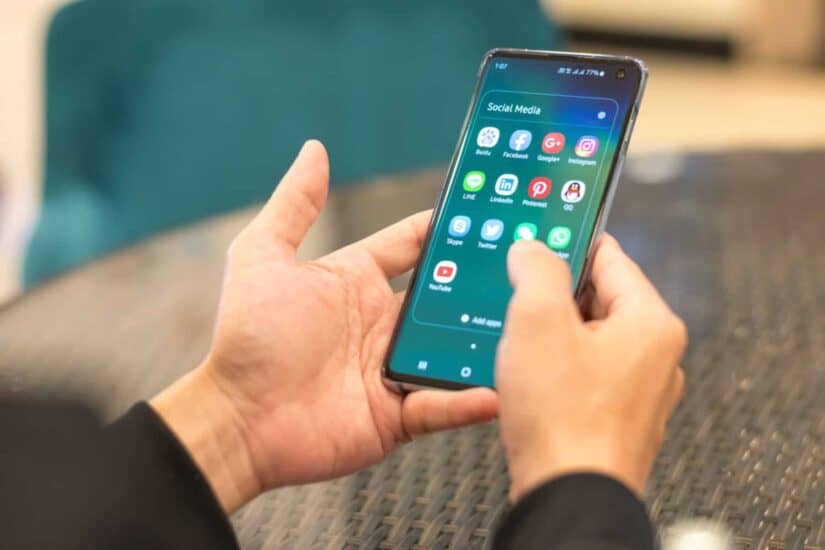
Apps on an android cellphone. Picture: iStock


With smartphones becoming more expensive amid rising chip costs, many users are holding on to their devices for longer.
But phones often become bloated with music, photos, games and apps, slowing performance and prompting unnecessary upgrades.
Many Android users assume sluggish performance means it’s time for a new phone. Not so.
A few practical fixes can restore speed and save money. Restarting the device, updating Android, clearing storage, managing apps and permissions, and avoiding resource‑draining software can make a noticeable difference to everyday use.
Restart your phone
If your device feels unresponsive, start by restarting it. On most phones, press the power button for about 30 seconds. Often, that’s enough to clear temporary glitches, especially if you haven’t rebooted for a while.
Update software
New Android versions include bug fixes and performance tweaks. Check for updates under “System” in the Settings app. Keeping your phone up to date ensures smoother performance and better security.
Free up storage
Performance dips when storage is nearly full. If less than 10% is free, delete unused apps or move photos and videos to the cloud. Clearing space can immediately improve responsiveness.
Manage apps and permissions
Background apps drain resources. Force-stop unused apps or restrict permissions such as location and notifications to reduce activity. This prevents apps from constantly waking up in the background.
Safe mode
Restarting in safe mode disables downloaded apps. If performance improves, uninstall recent apps one by one until the culprit is found.
Lite apps
Opt for lighter versions of popular apps. Google’s “Go” apps, for example, use less data and processing power, running more efficiently on older devices.
Avoid draining apps
Task‑killer and anti‑malware apps often do more harm than good. Rely on Android’s built‑in tools. Most users don’t need extra anti‑malware software.
Don’t panic if your Android feels slow. With a few tweaks, smarter habits and lighter apps, you can restore smoother, more reliable performance without trading in your phone.
Clearing storage, managing apps and permissions, and avoiding resource‑draining software can make a noticeable difference to everyday use.