
Stay safe online: Amanzimtoti police share pointers
Amanzimtoti police encourages community members to become cyber-safe by following a number of online safety guidelines.
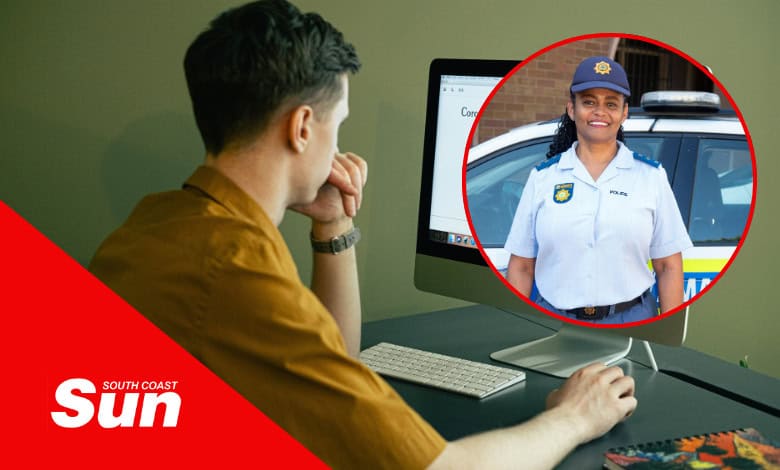
BEING on-the-pulse online is essential for daily communication, work, financial management and more. As such, it is more important than ever to protect oneself from cybercrime as threats targeting individuals and organisations become more prevalent.
Also read: Meeting to fast-track Illovo River railway bridge construction
Amanzimtoti police spokesperson, Captain Charlene Petersen, outlined crucial tips covering everything you need to enhance your online safety and safeguard your precious information.
The basics of online safety
- Strengthen password security
Create unique, complex passwords for each of your accounts. Ensure all official accounts have secure passwords, and enable two-factor authentication (2FA) whenever possible. This adds an extra layer of security against unauthorised access. - Be wary of phishing scams
Cybercriminals often impersonate trusted institutions, including police services, through emails, SMS, or messages to deceive recipients. Carefully examine unexpected emails, attachments, and links. Always verify any suspicious requests by contacting the organisation directly through official channels. - Regularly update software and devices
Keep all your software, apps, and operating systems updated to safeguard against known vulnerabilities. Ensure that work-related devices are regularly updated and that the latest security patches are applied. - Limit personal information sharing on social media
Be mindful of what you share online, especially on social media. Cybercriminals often use personal details to guess passwords, answer security questions, or launch phishing attacks. Limit sharing sensitive information publicly to avoid compromising personal safety. - Use secure connections
Avoid using public Wi-Fi for sensitive activities, such as online banking, or personal accounts. If necessary, use a Virtual Private Network (VPN) to secure your internet connection. VPNs provide an added layer of security, protecting your data from potential intrusions. - Monitor financial and online activity regularly
Regularly check your bank statements and online accounts for unauthorised transactions or activity. Report suspicious activity immediately to the relevant departments. - Report suspected cyber incidents promptly
You are encouraged to report any suspicious activity or potential cyber threats to prevent further spread. Furthermore, community members can also contribute to national cybersecurity efforts by reporting scams or unusual online activity.
Also read: Amanzimtoti family to get closure for son’s murder
Warning signs to look out for
- If a person insists on having your address or phone number.
- If the persons emails you photos that make you feel uncomfortable.
- If the person wants to keep their chats with you secret.
- If the person wants you to send them photos of yourself or use a webcam in a way which makes you feel uncomfortable.
- If the person shares information with you and tells you not to tell anyone else about it.
- If the person wants to meet you in person and tells you not to inform anyone.
“By following these practices, you will be protected against personal identity theft and become more secure online. Working together, we can safeguard ourselves and our families from cyber threats,” said Petersen.
Contacts for emergencies and crime reporting
- Crime Stop: 08600 10111
- Emergency Line: 10111
- Child Line: 116
Petersen encouraged the community to download the MySAPS App from your mobile device’s app store. It is a free crime tip-off application.

Do you have more information pertaining to this story? Feel free to let us know by commenting on our Facebook page or you can contact our newsroom on 031 903 2341 and speak to a journalist.